
PoE Troubleshooting Guide: Common Problems and Fixes
Diagnose and fix common PoE issues: no power, intermittent power, undervoltage, link problems and budget exhaustion, with a practical checklist.
When a PoE device will not power on, behaves erratically, or links at the wrong speed, the cause is usually one of a handful of familiar problems. This guide groups the common failure modes, explains why they happen, and gives a practical sequence for diagnosing them.
Problem 1: No Power at All
The device shows no sign of life. Likely causes and fixes:
- Standard mismatch: The PD needs more power than the PSE offers (for example an 802.3bt device on an 802.3af port). Verify the port's Type and class support.
- Failed detection: The PSE never sees the 25 kΩ signature - common with non-PoE devices behind a passive setup, or a faulty PD. Confirm the device is PoE or use a proper splitter/injector.
- Port not enabled: PoE is disabled in the switch configuration or the port is administratively down. Enable PoE on the port.
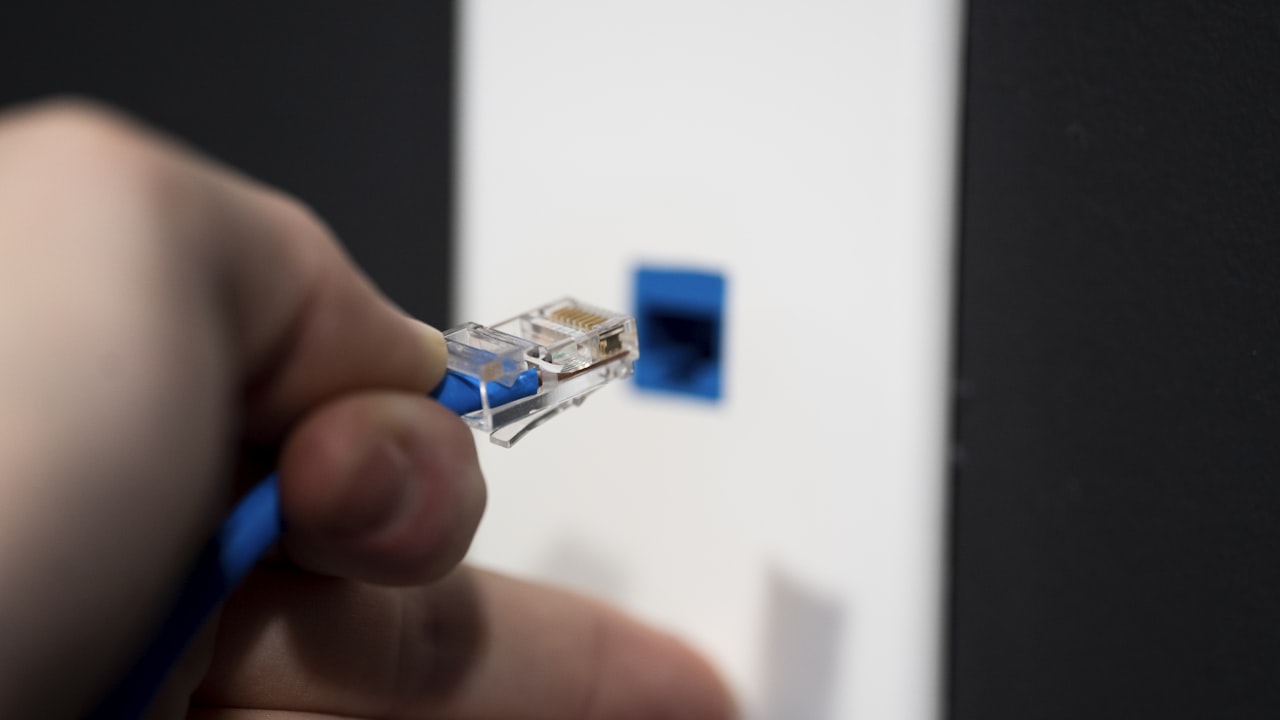
- Cable fault: A break, miswire, or use of only two pairs on a four-pair PD. Test or replace the cable.
Problem 2: Intermittent Power or Reboots
The device cycles, reboots under load, or drops out periodically:
- Marginal budget: The device's peak draw (camera IR at night, AP with all radios busy) exceeds what the link can sustain. Move it to a higher-Type port or shorten the run.
- Voltage sag on long runs: Distance and thin gauge cause the PD voltage to dip below its operating floor under load. Use lower-gauge cable or reduce length.
- Loose or corroded connectors: Reseat and inspect RJ45 terminations; re-terminate if suspect.
- Thermal shutdown: An overheated PSE or splitter in a hot bundle can fold back power. Improve ventilation and derate bundles.
Problem 3: Undervoltage / Brownout
The device powers but misbehaves - cameras reboot, APs disable radios, sensors read erratically. This is usually voltage drop: too much I²R loss in the cable, an undersized splitter, or excessive distance leaves the PD below its minimum input. Remedies: shorten the run, upgrade to Cat6/Cat6a, use four-pair 802.3bt delivery, or size the splitter/converter with more current margin.
Problem 4: Link Issues (Speed or No Data)
Power is fine but data is missing or slow:
- Splitter limited to 10/100: A fast-Ethernet-only splitter caps a gigabit device. Use a gigabit splitter.
- Damaged pairs: A cable that still passes power may have a degraded data pair. Run a cable certifier.
- Duplex/auto-negotiation mismatch: Reset both ends to auto-negotiate.
Problem 5: Switch Power Budget Exhausted
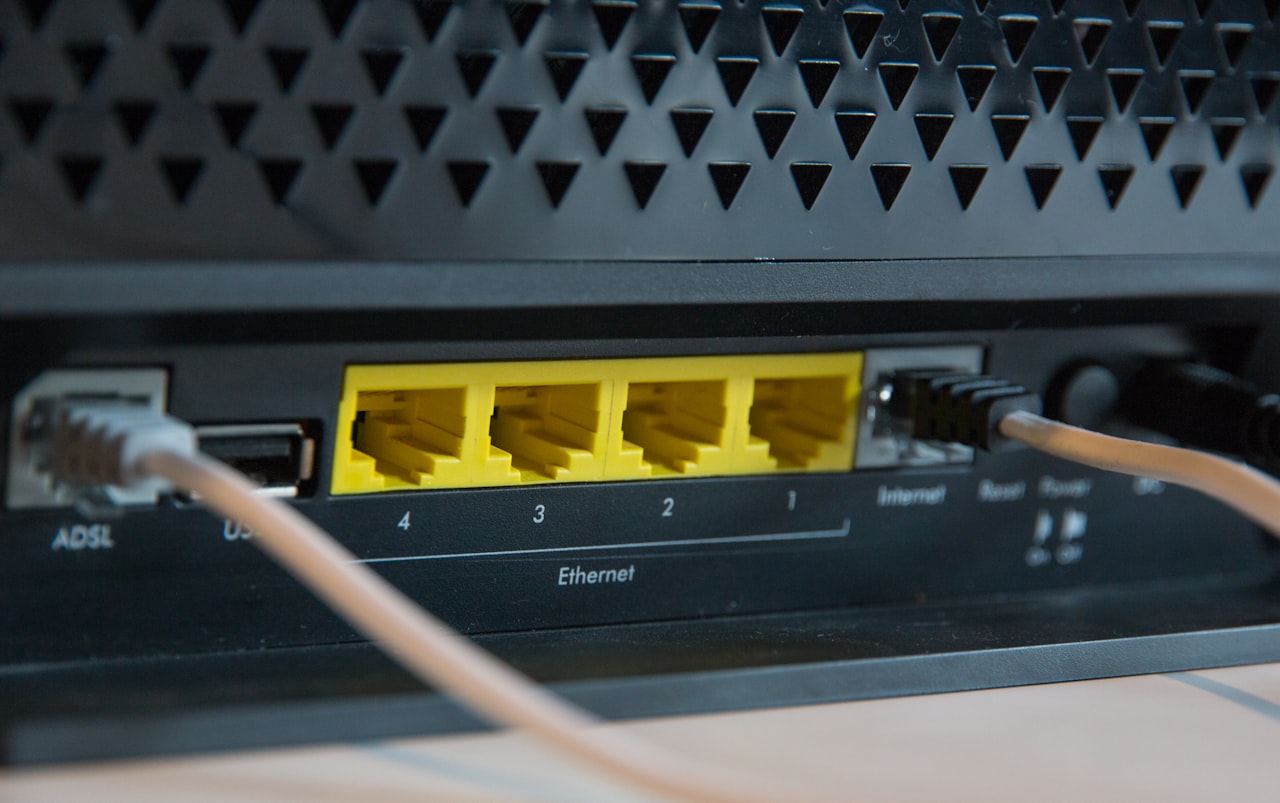
Some ports power up and others do not, especially after adding devices. The switch's aggregate PoE budget is exceeded even though individual ports are within spec. Check the switch's total wattage versus the sum of connected loads, prioritize critical ports, or add a higher-budget switch or midspan injectors.
Quick Diagnostic Reference
| Symptom | Likely cause | First fix |
|---|---|---|
| No power | Standard/class mismatch, port disabled | Verify Type/class; enable PoE on port |
| Reboots under load | Marginal budget, voltage sag | Higher-Type port; shorten/upgrade cable |
| Undervoltage | Cable loss, undersized splitter | Cat6a, shorter run, larger converter |
| Slow / no data | 10/100 splitter, bad pair | Gigabit splitter; certify cable |
| Some ports dead | Switch budget exceeded | Rebalance load; add budget |
A Systematic Approach
- Confirm the PSE Type/class and remaining switch budget.
- Check the PD's required power, voltage, and data rate against the link.
- Test the cable end to end for continuity, all four pairs, and length.
- Measure PD input voltage under load to catch sag and undervoltage.
- Swap suspect splitters/injectors with known-good, correctly rated units.
Many field problems trace back to a mismatched or undersized splitter. Using active, IEEE-compliant splitters and power modules sized for the real load and cable length eliminates a large share of these issues before they start.
Need PoE hardware for your project?
Browse our PoE splitters or request a custom power module built to your spec.