
How to Choose a PoE Switch: Ports, Power Budget and Management
The specifications that actually decide whether a PoE switch will run your installation: system power budget versus per-port rating, managed features, uplinks and thermals.
Most PoE switches are sold on two numbers: the port count and the headline wattage. Neither tells you whether the switch will actually run your installation. The specification that decides that is the relationship between the per-port maximum, the total system budget, and the real class mix of your devices - and it is usually buried on the third page of the datasheet.
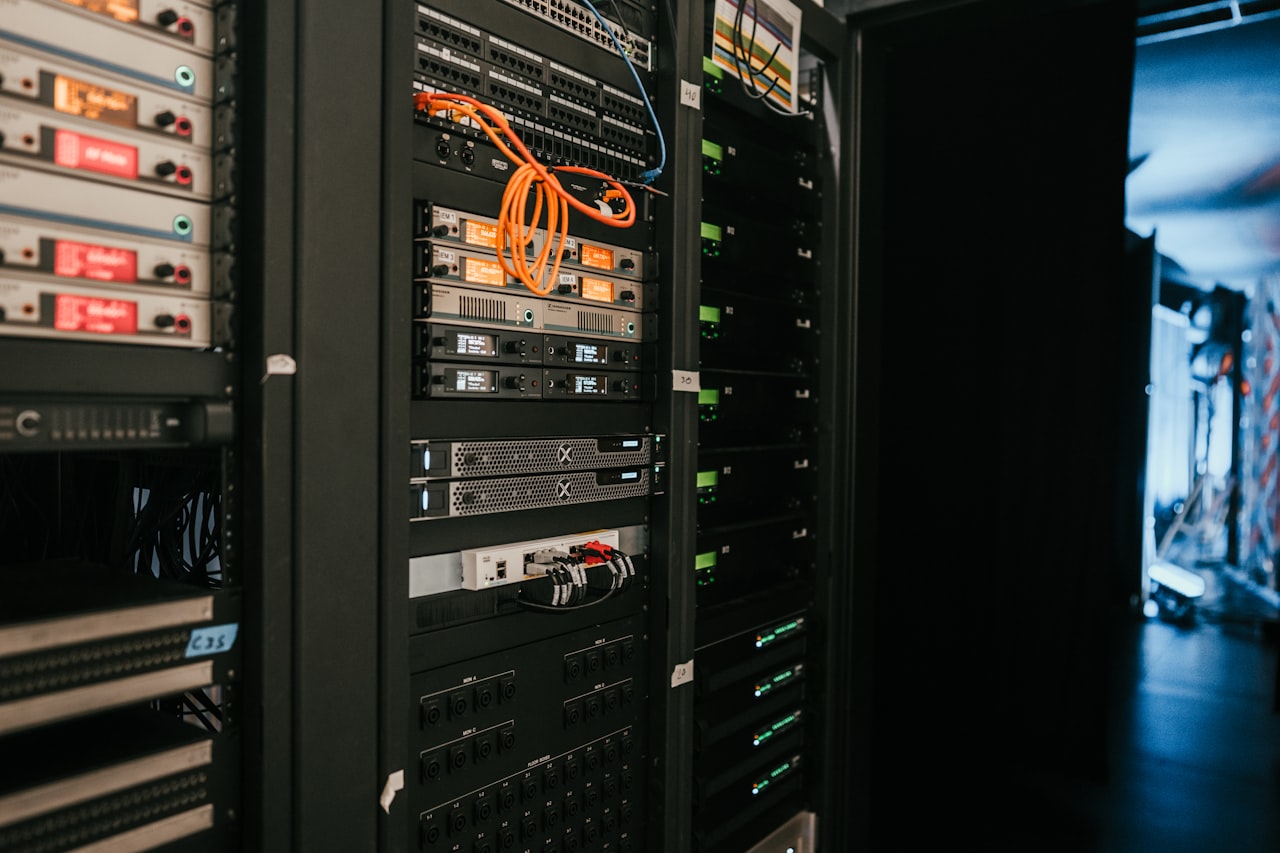
System Budget Versus Per-Port Rating
A switch advertised as "24-port PoE+, 30 W per port" is not promising 720 W. It is promising that any given port can deliver 30 W, subject to a total PoE budget that is typically 370 W to 400 W on a mainstream 24-port model. That budget is the real constraint. Add up the PSE-side reservation for every port you plan to populate and compare it against the system figure, leaving at least 20 % headroom for growth and for devices that draw more in cold weather.
| Deployment | Typical class mix | Reserved power | Suitable budget |
|---|---|---|---|
| 16 fixed dome cameras | Class 3 (15.4 W) | 246 W | 300 W or more |
| 24 Wi-Fi 6 access points | Class 4 (30 W) | 720 W | 740 W or more |
| 8 PTZ cameras with heaters | Class 6 (60 W) | 480 W | 500 W or more |
| Mixed office floor | Class 2-4 | Varies | Size with LLDP enabled |
Get the Class Mix Right First
Budgeting from measured consumption is the classic mistake. A camera that draws 7 W on the bench still reserves its full class allocation on the switch unless LLDP or Autoclass is negotiating on your behalf. Either budget on class reservations, or confirm that both the switch and the devices support and have enabled a negotiation mechanism that releases the surplus. On a large floor, the difference between those two approaches is an entire switch.
Managed, Smart or Unmanaged
Unmanaged switches are cheap and adequate where the topology is trivial and nothing will ever need remote attention. The moment powered devices sit on poles, in ceilings or on a roof, managed becomes economical: remote power-cycling a hung camera turns a site visit into a click. Look specifically for per-port PoE enable and reset, per-port consumption reporting over SNMP, port priority so that critical devices survive a budget overrun, and PoE scheduling if devices can be powered down out of hours. Smart or "web-managed" switches sit in between and often carry the PoE features while omitting routing and advanced layer-2 capabilities you may not need.
Uplinks and Backplane
PoE draws attention away from the switching itself, which is how installations end up with twenty-four 4K cameras behind a single gigabit uplink. Count the aggregate bandwidth of the edge devices and make sure the uplink can carry it, ideally with SFP+ at 10 Gbps or a link aggregation group. Check whether the switch is non-blocking at the claimed switching capacity; inexpensive models oversubscribe the backplane, which shows up as dropped frames under load rather than as an obvious fault.
Thermal Design and Fans
Delivering 400 W of PoE means dissipating a meaningful fraction of it as heat inside the chassis. Fanless switches are attractive for offices and classrooms where noise matters, but their PoE budgets are correspondingly modest and they need genuine airflow around the enclosure. Fanned switches carry larger budgets and are the right choice in a closed rack. Check the operating temperature range against where the switch will actually live - a comms cupboard with no ventilation routinely exceeds 40 °C.
Redundancy
For anything security-related, consider dual power supplies or at least an external redundant power system connector, and confirm the switch supports UPS operation cleanly. Note also how the switch behaves when the PoE budget is exceeded: a well-designed unit sheds the lowest-priority ports and logs the event, while a poor one browns out or reboots, taking the entire camera system with it.
A Short Specification Checklist
Port count and speed at the edge; uplink type and count; total PoE budget in watts; the highest class supported per port and on how many ports simultaneously; managed feature set including per-port reset and priority; LLDP and Autoclass support; fan or fanless; operating temperature range; and mounting - desktop, wall or rack. Answer those nine and the shortlist usually writes itself.
Need PoE hardware for your project?
Browse our PoE splitters or request a custom power module built to your spec.